SAP Procurement Automation
SAP procurement automation covers the high-volume P2P transactions — purchase requisitions, purchase orders, goods movements — and the vendor and invoice data that surround them. It connects process automation with master data management.
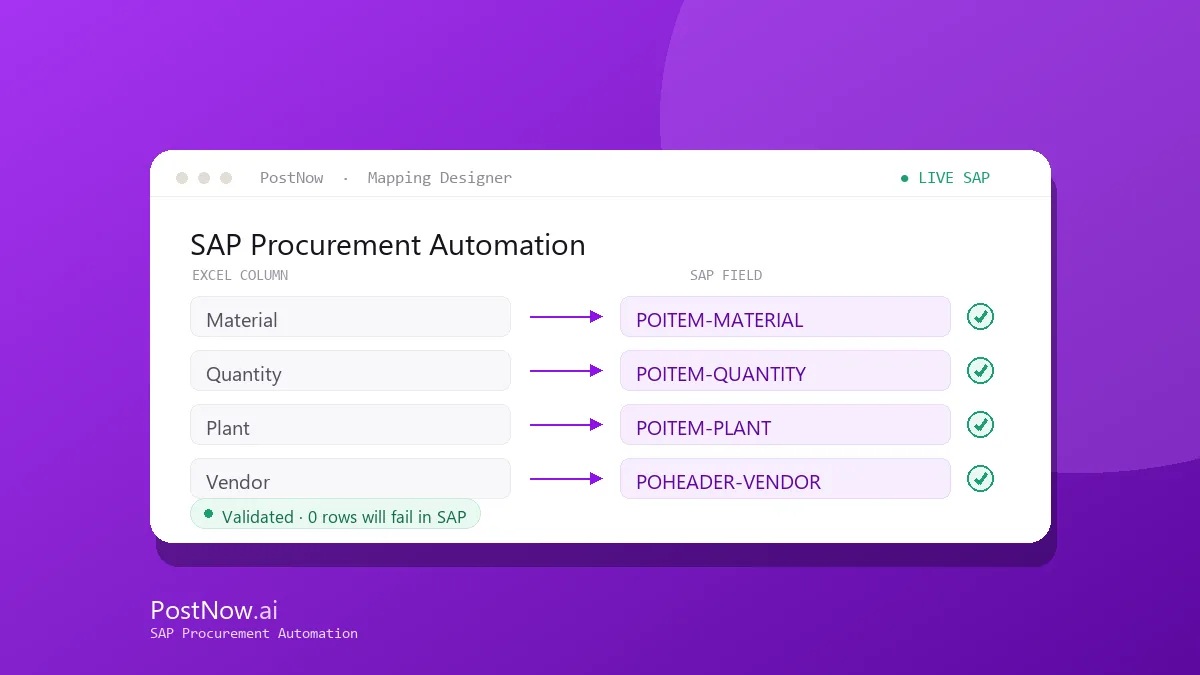
PostNow creates and changes each procurement document from Excel, validating line items, account assignment, and movement types before posting, so buyers and AP teams move faster without keying SAP screen by screen.
Related solutions
Related SAP automation topics — start here for the full picture.
SAP Procurement Automation guides
SAP Purchase Order Automation
Create purchase orders from Excel with BAPI_PO_CREATE1 — line items, account assignment, and delivery schedules mapped and validated in one run.
Read the guide →ME51NSAP Purchase Requisition Automation
Mass-create purchase requisitions from Excel, with item, source-of-supply, and account-assignment data validated before posting.
Read the guide →MIGOSAP Goods Movement Automation
Post goods movements from Excel with BAPI_GOODSMVT_CREATE — receipts, issues, and transfers — with movement-type validation throughout.
Read the guide →XK01SAP Vendor Master Automation
Create and maintain SAP vendor master records from Excel across the general, company-code, and purchasing views. AI maps the fields, validates them, and posts through the vendor BAPI or XK01.
Read the guide →FB60SAP Vendor Invoice Automation
Automate SAP vendor invoice posting from Excel, matching purchase orders and validating tax and amounts before each document posts.
Read the guide →MI10SAP Inventory Adjustment Automation
Adjust SAP inventory from Excel — physical-count differences and stock corrections — posted with validation and a complete audit trail.
Read the guide →Frequently asked questions
What procurement transactions can be automated in SAP?
Can purchase orders with multiple line items be loaded from Excel?
See SAP Procurement Automation on your SAP system
Request a demo or start a 14-day free trial and run your first validated load from Excel.