SAP Sales Automation
SAP sales automation covers the order-to-cash entry points — sales orders, the customer and business-partner master behind them, and the pricing conditions that drive value. It connects process automation with master data management.
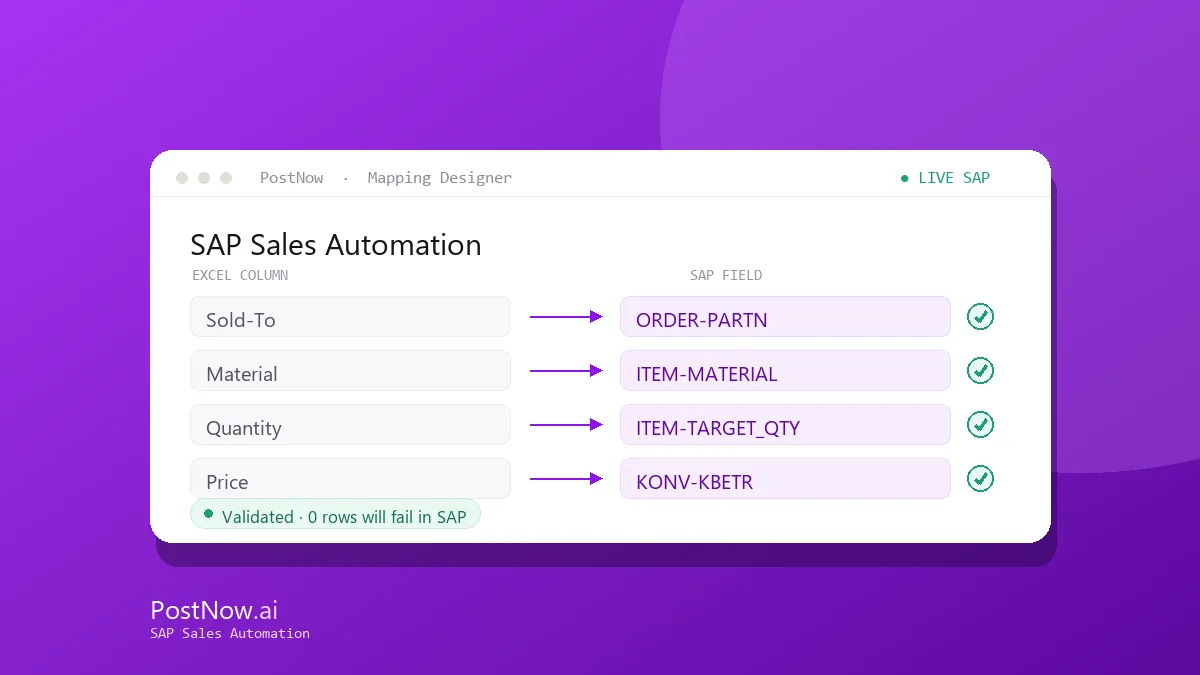
PostNow creates sales orders from Excel with header, partner, and schedule-line data mapped and validated, and maintains customers and pricing through the same workflow — so sales operations spend less time keying VA01.
Related solutions
Related SAP automation topics — start here for the full picture.
SAP Sales Automation guides
SAP Sales Order Automation
Create sales orders from Excel with BAPI_SALESORDER_CREATEFROMDAT2 — header, partner, and schedule-line data mapped and validated before posting.
Read the guide →XD01SAP Customer Master Automation
Load and update SAP customer master data from Excel across the sales, company-code, and general views, with AI field mapping and pre-flight validation.
Read the guide →VK11SAP Pricing Conditions Automation
Load and update SAP pricing condition records from Excel across condition types and key combinations, validated before posting.
Read the guide →BPSAP Business Partner Automation
Automate SAP Business Partner creation in S/4HANA from Excel — handling BP roles, relationships, and the customer/vendor integration in one governed run.
Read the guide →Frequently asked questions
What sales processes can be automated in SAP from Excel?
Can sales orders with multiple schedule lines be created from Excel?
See SAP Sales Automation on your SAP system
Request a demo or start a 14-day free trial and run your first validated load from Excel.