SAP Master Data Automation
SAP master data automation replaces hand-keyed XK01, MM01, and XD01 entry with a single Excel-driven, validated workflow. It sits between master data governance (the rules and standards) and the day-to-day management of records, turning both into something a business user can run safely.
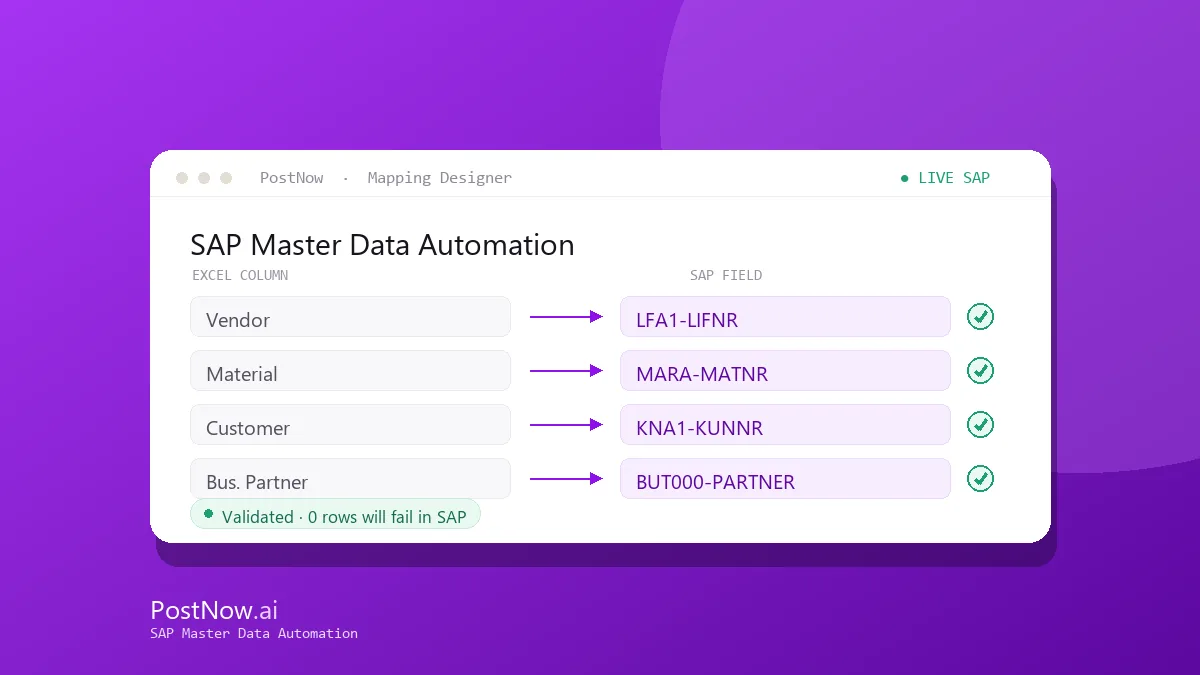
Each master object below has a complete guide. AI maps your Excel columns to the right SAP structures, validation checks values against live SAP, and the batch posts in one governed run with a full audit log.
Related solutions
Related SAP automation topics: start here for the full picture.
SAP Master Data Automation guides
SAP Vendor Master Automation
Create and maintain SAP vendor master records from Excel across the general, company-code, and purchasing views. AI maps the fields, validates them, and posts through the vendor BAPI or XK01.
Read the guide →MM01SAP Material Master Automation
Mass-create and extend material master records from Excel with BAPI_MATERIAL_SAVEDATA. Map every view, apply formatting rules, and validate before anything reaches SAP.
Read the guide →XD01SAP Customer Master Automation
Load and update SAP customer master data from Excel across the sales, company-code, and general views, with AI field mapping and pre-flight validation.
Read the guide →BPSAP Business Partner Automation
Automate SAP Business Partner creation in S/4HANA from Excel, handling BP roles, relationships, and the customer/vendor integration in one governed run.
Read the guide →FS00SAP G/L Account Master Automation
Create and change G/L account master records from Excel at chart-of-accounts and company-code level, validated against live SAP before posting.
Read the guide →KS01SAP Cost Center Automation
Mass-create and maintain cost centers from Excel, including hierarchy assignments and validity periods, posted through the controlling interface.
Read the guide →KE51SAP Profit Center Automation
Create and update profit centers and their assignments from Excel, validated against your controlling area and posted in one batch.
Read the guide →AS01SAP Asset Master Automation
Create fixed-asset master records from Excel across asset classes and depreciation areas, with validation before they reach SAP.
Read the guide →CS01SAP Bill of Material Automation
Create and maintain SAP bills of material from Excel, including components, quantities, and item data, in a single validated upload.
Read the guide →VK11SAP Pricing Conditions Automation
Load and update SAP pricing condition records from Excel across condition types and key combinations, validated before posting.
Read the guide →Frequently asked questions
What is SAP master data automation?
Which master data objects can be automated?
See SAP Master Data Automation on your SAP system
Request a demo or start a 14-day free trial and run your first validated load from Excel.