SAP Finance Automation
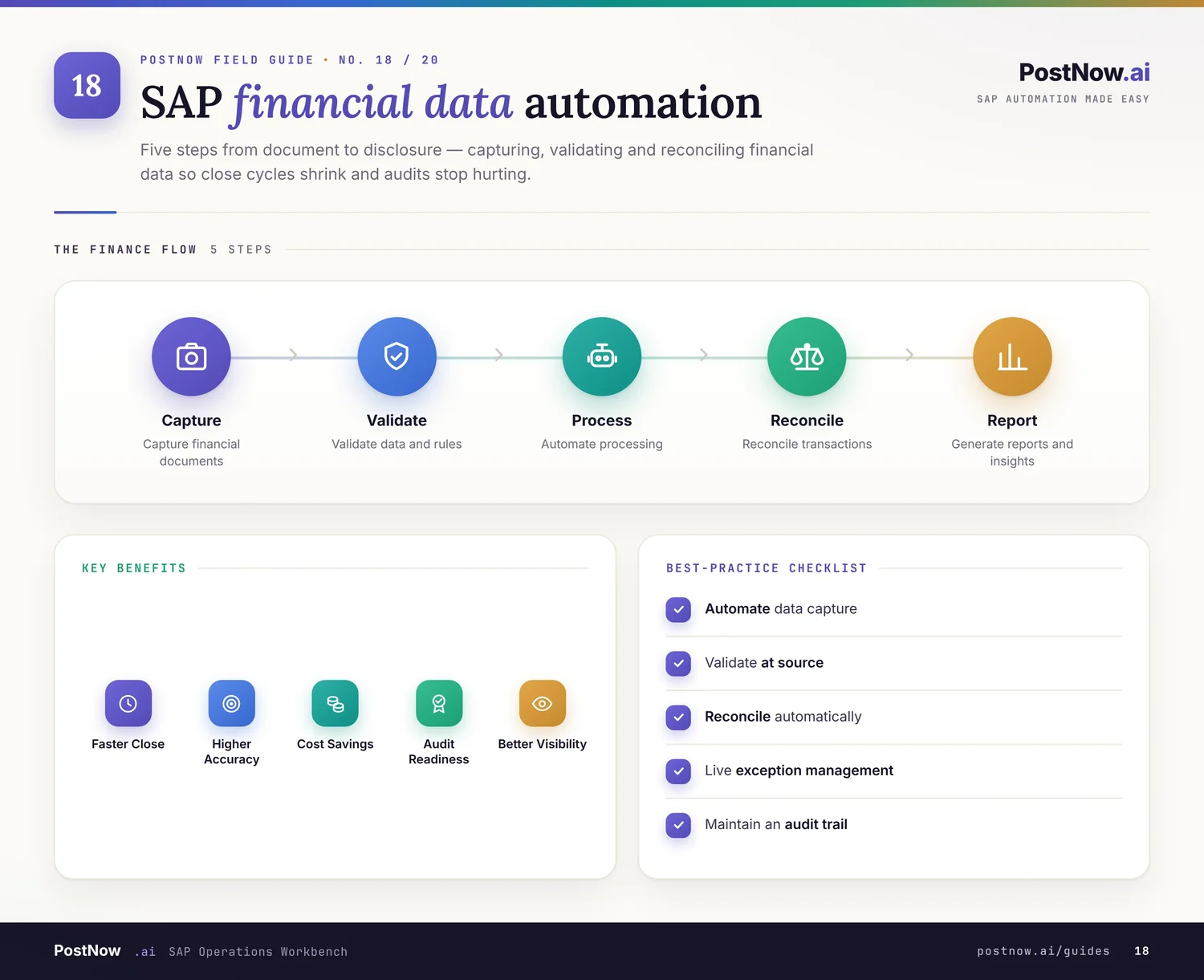
SAP finance automation targets the recurring FI/CO work that crowds every month-end — journal entries, vendor invoices, asset postings — plus the finance master data behind them: G/L accounts, cost centers, profit centers, and assets. It connects process automation with master data.
PostNow posts each finance document from Excel with balanced-document checks and AI error review, and maintains finance masters through the same validated workflow — so the close runs faster and cleaner.
Related solutions
Related SAP automation topics — start here for the full picture.
SAP Finance Automation guides
SAP Journal Entry Automation
Post journal entries from Excel with BAPI_ACC_DOCUMENT_POST, including balanced-document checks and AI error review before your financial close.
Read the guide →FB60SAP Vendor Invoice Automation
Automate SAP vendor invoice posting from Excel, matching purchase orders and validating tax and amounts before each document posts.
Read the guide →ABZONSAP Asset Posting Automation
Post asset acquisitions, transfers, and retirements from Excel, with validation up front and a full run log for audit.
Read the guide →FS00SAP G/L Account Master Automation
Create and change G/L account master records from Excel at chart-of-accounts and company-code level, validated against live SAP before posting.
Read the guide →KS01SAP Cost Center Automation
Mass-create and maintain cost centers from Excel, including hierarchy assignments and validity periods, posted through the controlling interface.
Read the guide →KE51SAP Profit Center Automation
Create and update profit centers and their assignments from Excel, validated against your controlling area and posted in one batch.
Read the guide →AS01SAP Asset Master Automation
Create fixed-asset master records from Excel across asset classes and depreciation areas, with validation before they reach SAP.
Read the guide →OB08SAP Exchange Rate Automation
Maintain SAP exchange rates from Excel on a schedule, validated against rate types and currency pairs before they update TCURR.
Read the guide →Frequently asked questions
What SAP finance tasks can be automated from Excel?
Does finance automation keep documents balanced and auditable?
See SAP Finance Automation on your SAP system
Request a demo or start a 14-day free trial and run your first validated load from Excel.